
Use a product-specific checkout and workflow rather than a generic module list.
Operational software by OpenTIQ
Software built for how your business actually operates.
Choose a restaurant-first platform or an industry-configured POS + ERP system—then book the right demo without navigating generic software pages.
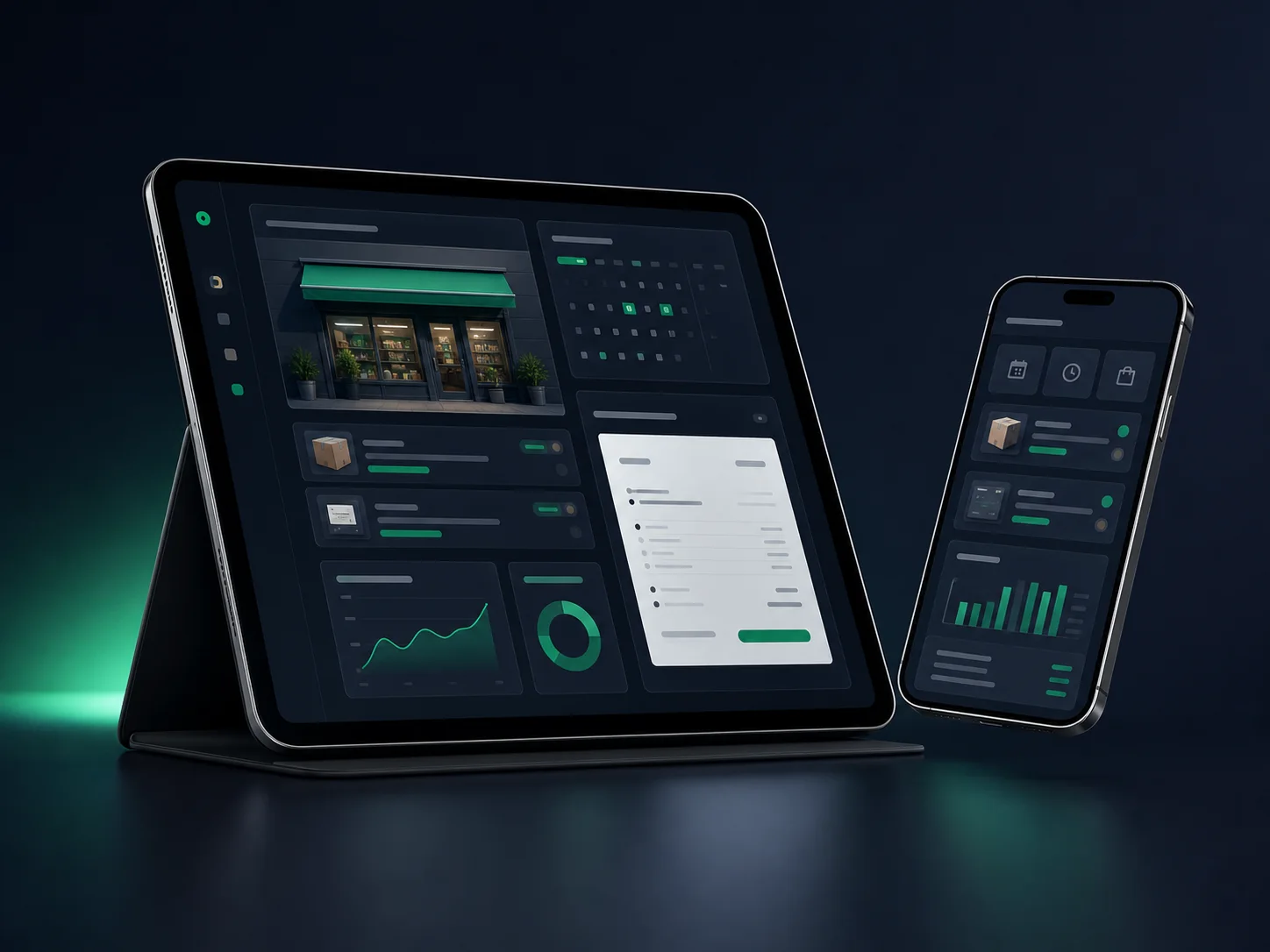
Daily operation
Sales, stock, reports
Everyone sees the next step
Business operating systems
RestIQ Opero
Sales, stock, orders, and reports in one view
Built around your workflow
One clear service today. A connected business tomorrow.
Connect receiving, inventory movement, suppliers, waste, cartons, or recipes according to the selected product.
Use payments, credit, expenses, shifts, reports, and accounting controls appropriate to the package.
Select local, LAN, cloud, hybrid, branch, or private deployment only where the product and package support it.
Choose the part you need
One clear service today. A connected business tomorrow.
Start with a customer-facing product, an internal system, or a complete setup. Each path can work alone and connect when the business is ready.
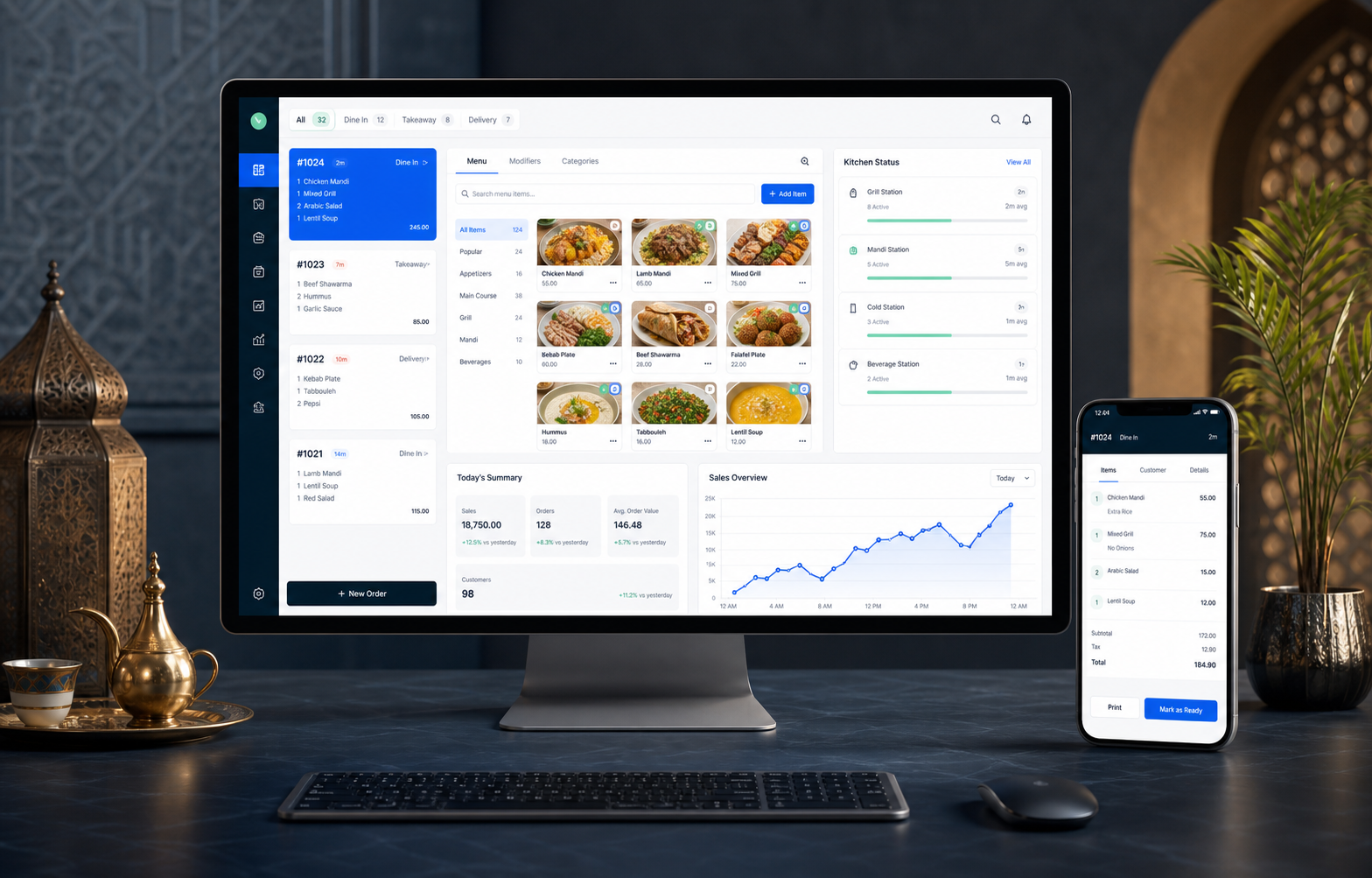
A restaurant-first platform for operators who need digital ordering, local continuity, kitchen control, cashier accountability, and a connected back office.
- Independent restaurants and growing local groups
- Cafes, bakeries, QSR, casual dining, and delivery-heavy operations
- Restaurants using Windows terminals, kitchen screens, and local networks
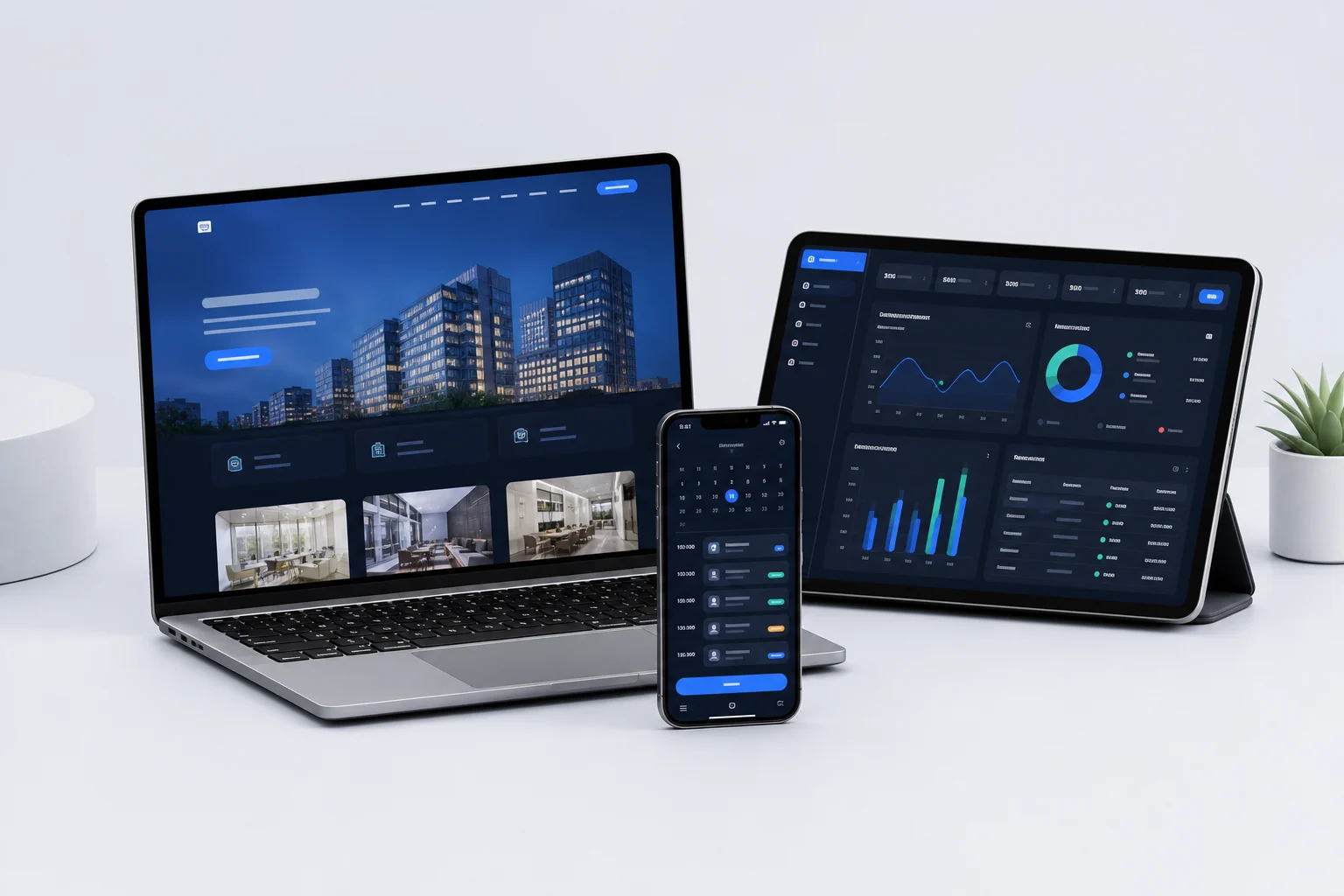
Opero is the broader OpenTIQ product family for retail, wholesale/import, fashion, restaurant, cafe, salon, clinic, pharmacy, services, sessions, and custom business packages.
- Owners replacing separate POS, inventory, accounting, and spreadsheet tools
- Businesses that need Arabic/English and local, LAN, cloud, hybrid, or private deployment choices
- Companies that need industry workflows without building a new system from zero
See the system in the language of your daily work.
Choose the closest business. The active stage shows the work Opentiq can organize and the most relevant next step.
01
I run a restaurant or cafe
Compare RestIQ and Opero Restaurant based on QR ordering, operational depth, ERP needs, and deployment.
Find the right path 02 I run retail, wholesale, fashion, or servicesSelect an Opero package shaped for sales, stock, purchasing, credit, reports, and accounting.
Find the right path 03 I run a clinic or pharmacyExplore clinic and pharmacy packages with billing, inventory, claims, lab, purchasing, and finance boundaries stated clearly.
Find the right path 04 I need custom software or integrationKeep custom development separate from packaged products and scope it through a discovery request.
Find the right path 05 I need a website, store, or mobile appCreate the digital experience your customers or staff need, from a business website to an online store or app.
Find the right path
What Opentiq provides
Choose what your business needs.
Start with one service or combine customer-facing tools, business systems, setup, and support.
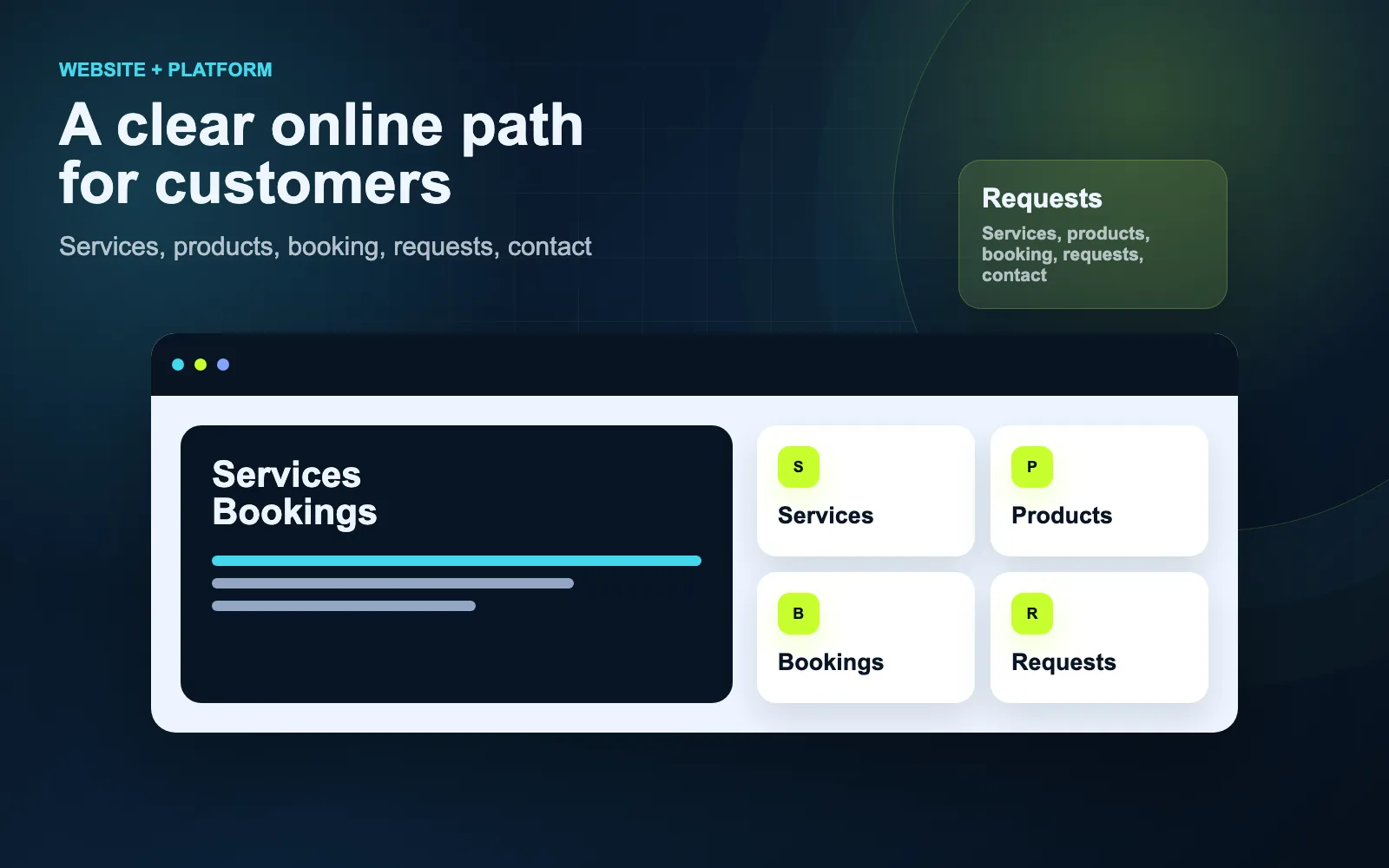
Website or online store
Present your company, sell products, receive enquiries, or take customer orders online.
Explore websites and stores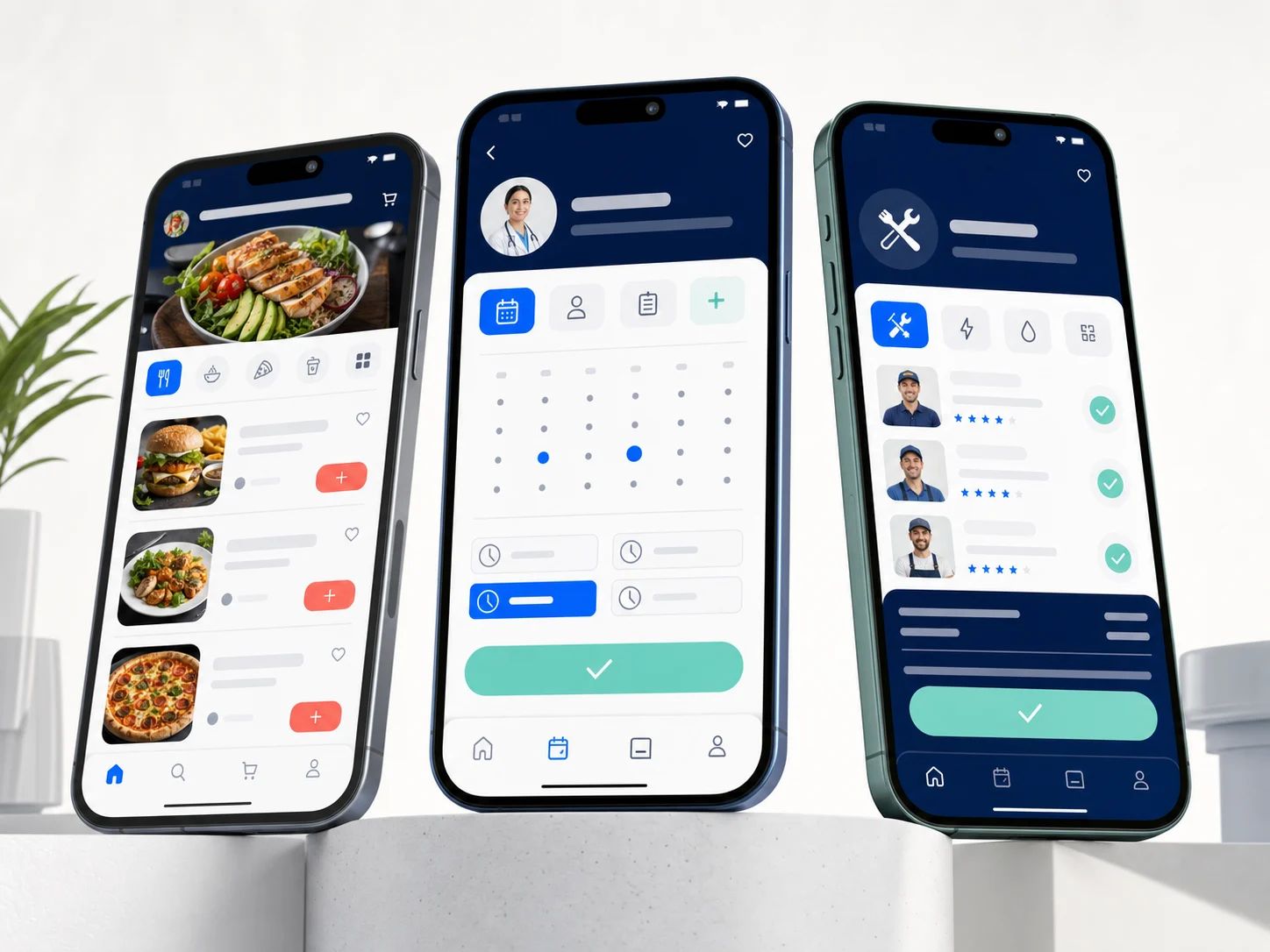
Mobile application
Give customers or staff a focused app for ordering, booking, accounts, and daily work.
Explore mobile apps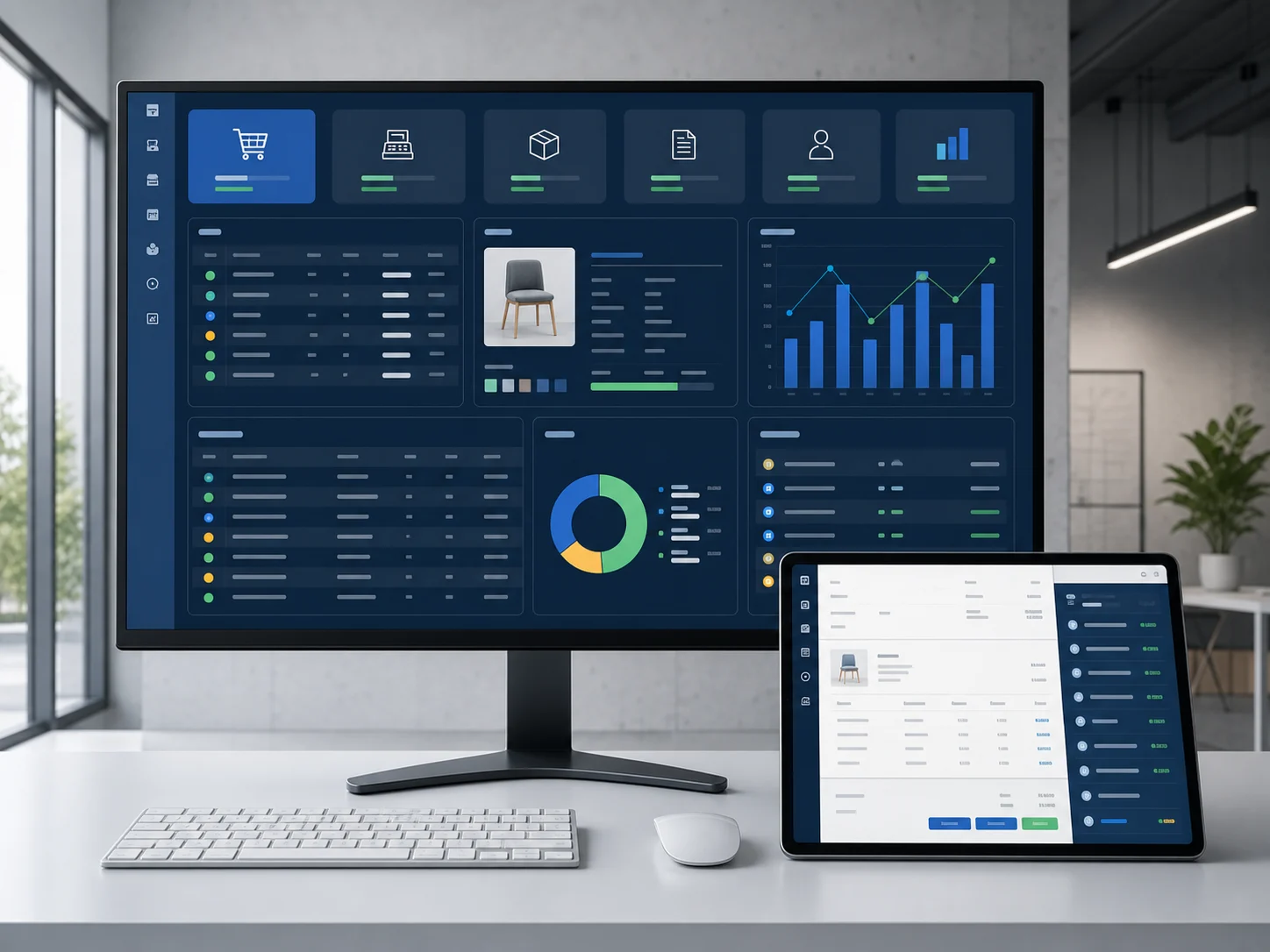
Business management system
Manage sales, stock, customers, appointments, invoices, employees, and reports.
Explore business systems
Complete business technology setup
Combine software, devices, setup, training, launch, maintenance, and ongoing support.
Choose your industry
Opentiq services
Build the part your business needs.
From your digital presence to the system behind it, start with the service that solves today’s problem and can connect to what you need next.
Custom Software Development
Systems built around your company workflow, users, roles, operations, and reports.
Explore service Web PlatformsCustomer portals, dashboards, booking platforms, admin systems, and online business tools.
Explore service WebsitesProfessional business websites and conversion-focused websites that support credibility and sales.
Explore service Mobile ApplicationsMobile apps for customers, employees, bookings, service requests, operations, and platform access.
Explore service Support & MaintenanceOngoing support, bug fixing, updates, hosting assistance, backups, and improvements.
Explore service System BlueprintA planning service for companies that need a clear software scope before development.
Explore service
Solutions by industry
Choose your industry. We will show the starting point.
You do not need to know the product name. Choose your business type to see what can be organised and which products or services connect to it.
Food service
Restaurants & Cafes
Choose RestIQ when you want restaurant-first ordering, POS, kitchen flow, and owner reports. Choose Opero Restaurant when you need restaurant operations inside a wider POS + ERP setup.
- Online QR menu
- Arabic and English digital menu
- QR code for every table
Recommended starting point
What connects to this business
Not sure? Talk to Opentiq
Healthcare operations
Clinics & Medical Centers
The clinic route connects website booking, reception, doctors, visits, invoices, permissions, and administrative reports.
- Clinic website
- Online appointment booking
- Doctor profile pages
Recommended starting point
What connects to this business
Not sure? Talk to Opentiq
Services
Service Businesses
Systems for customer requests, employees, tasks, estimates, invoices, and workflow tracking.
- Leads
- Customers
- Estimates
Recommended starting point
What connects to this business
Not sure? Talk to Opentiq
Wholesale
Wholesale & Distribution
Opero Wholesale focuses on B2B ordering, customer-specific prices, receivables, import costs, and warehouse movement.
- B2B product catalog
- Wholesale ordering portal
- Sales representative ordering application
Recommended starting point
What connects to this business
Not sure? Talk to Opentiq
Online commerce
E-commerce
E-commerce can be an online store, ordering portal, product catalog, mobile app, or custom workflow connected to operations.
- Online store
- Restaurant ordering website
- Wholesale B2B portal
Recommended starting point
What connects to this business
Not sure? Talk to Opentiq
Custom operations
Custom Business Systems
Tailored systems for companies with unique internal workflows, approvals, departments, branches, or reporting needs.
- Approvals
- Departments
- Branches
Two restaurant systems. One clear choice.
RestIQ and Opero Restaurant are different products. Choose based on the operating model you need, not on a generic feature count.
Choose RestIQ when restaurant depth comes first
- QR and browser-based digital ordering
- Restaurant-first POS, kitchen, tables, delivery, shifts, and day control
- Local/LAN continuity, diagnostics, backup, and recovery
Choose Opero Restaurant when ERP control comes first
- Purchasing, inventory, accounting, and reports alongside restaurant POS
- Local, LAN, hybrid, multi-branch, or private deployment choices
- Owners expanding across restaurant and other business types
One connected offer
More than software alone.
Each path can include customer channels, daily operations, implementation, devices, training, hosting, and support.
Website, ordering, booking, catalog, portal, or mobile app.
Orders, appointments, stock, invoices, staff, and reports.
Migration, printers, networks, POS devices, installation, and training.
Hosting, backups, maintenance, updates, and branch monitoring.
From idea to operation
A clear build path before launch and after it.
We start from how your business works, define the scope, then prepare the team, data, and operation instead of handing you software alone.
- 01Discovery
We understand your business, current workflow, users, pain points, and goals.
- 02System Blueprint
We define modules, screens, roles, workflows, reports, timeline, and cost before development.
- 03Prototype
For larger projects, early screens or prototypes make the workflow clear before full development.
- 04Development
We build the system in stages, starting with the most important business flow.
- 05Testing
We test main user flows before launch to reduce operational issues.
- 06Launch
We deploy the system, configure settings, train users, and prepare the business for real use.
- 07Support
Opentiq Care provides support, maintenance, bug fixing, updates, and improvements after launch.
Launch the complete setup
Choose your industry
Software, devices, training, and support from one team.
Combine the customer experience, internal system, migration, devices, installation, training, launch, and ongoing maintenance.
Office
Amman, JordanOpentiq188 Mecca Street · Office 203
Open in Google Maps
Visit or contact Opentiq in Amman.
Meet us for business software, websites, mobile apps, ERP/POS, restaurant systems, clinic systems, and support consultations.
- Address
- Amman, 188 Mecca Street, Office 203
Office
Tell us what you need to organize.
Amman, 188 Mecca Street, Office 203