
Orders in view
From counter, QR, or delivery to the right team.
RestIQ and Opero Restaurant are different products. Choose based on the operating model you need, not on a generic feature count.
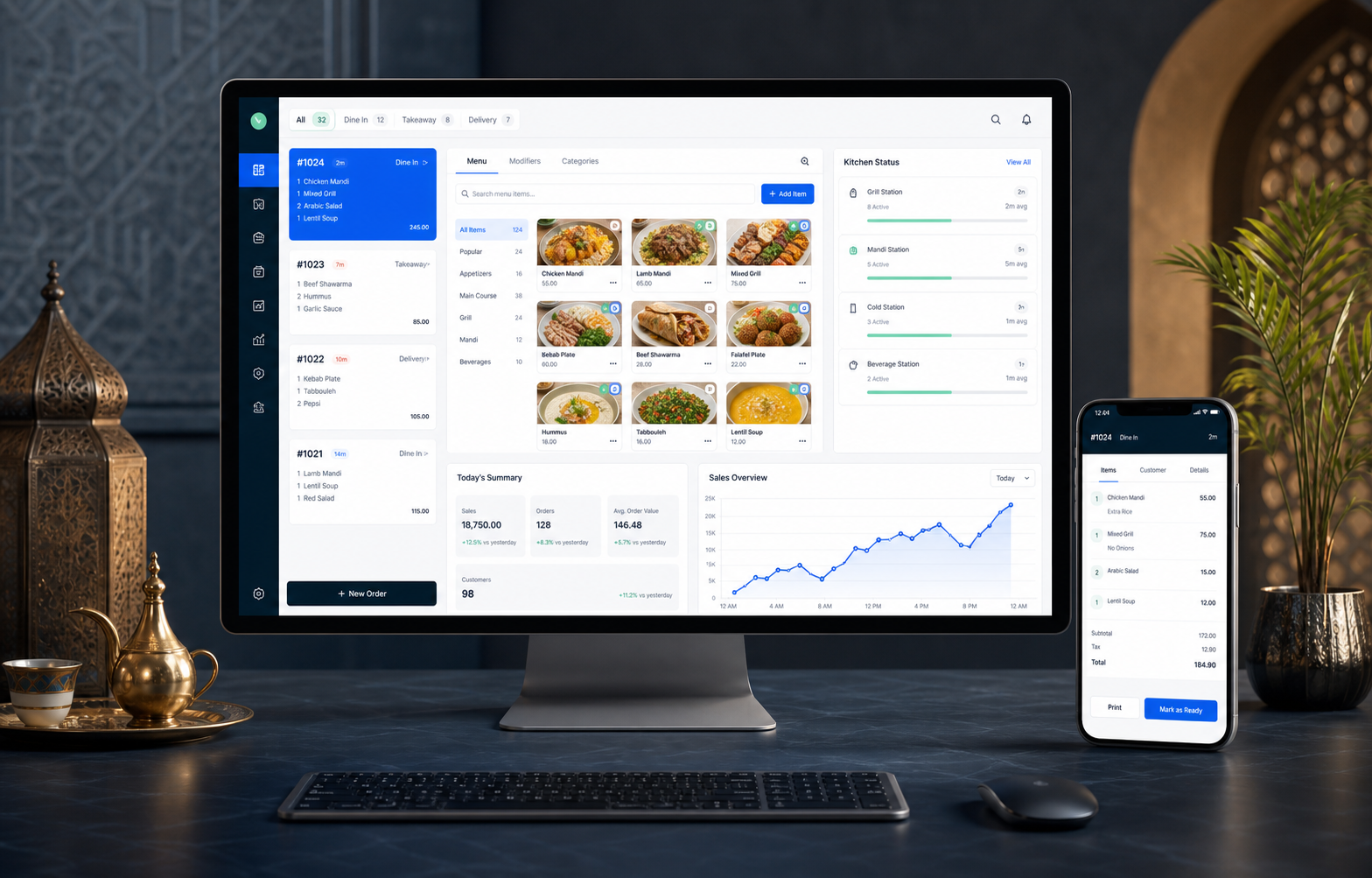
From counter, QR, or delivery to the right team.
Every order has a status, station, and next step.
Connect sales, purchasing, recipes, and reporting.
Select the system around how your restaurant operates.
Both serve restaurants, but they start from different priorities. See the difference before you book a demo.
RestIQ
A restaurant-first platform for operators who need digital ordering, local continuity, kitchen control, cashier accountability, and a connected back office.
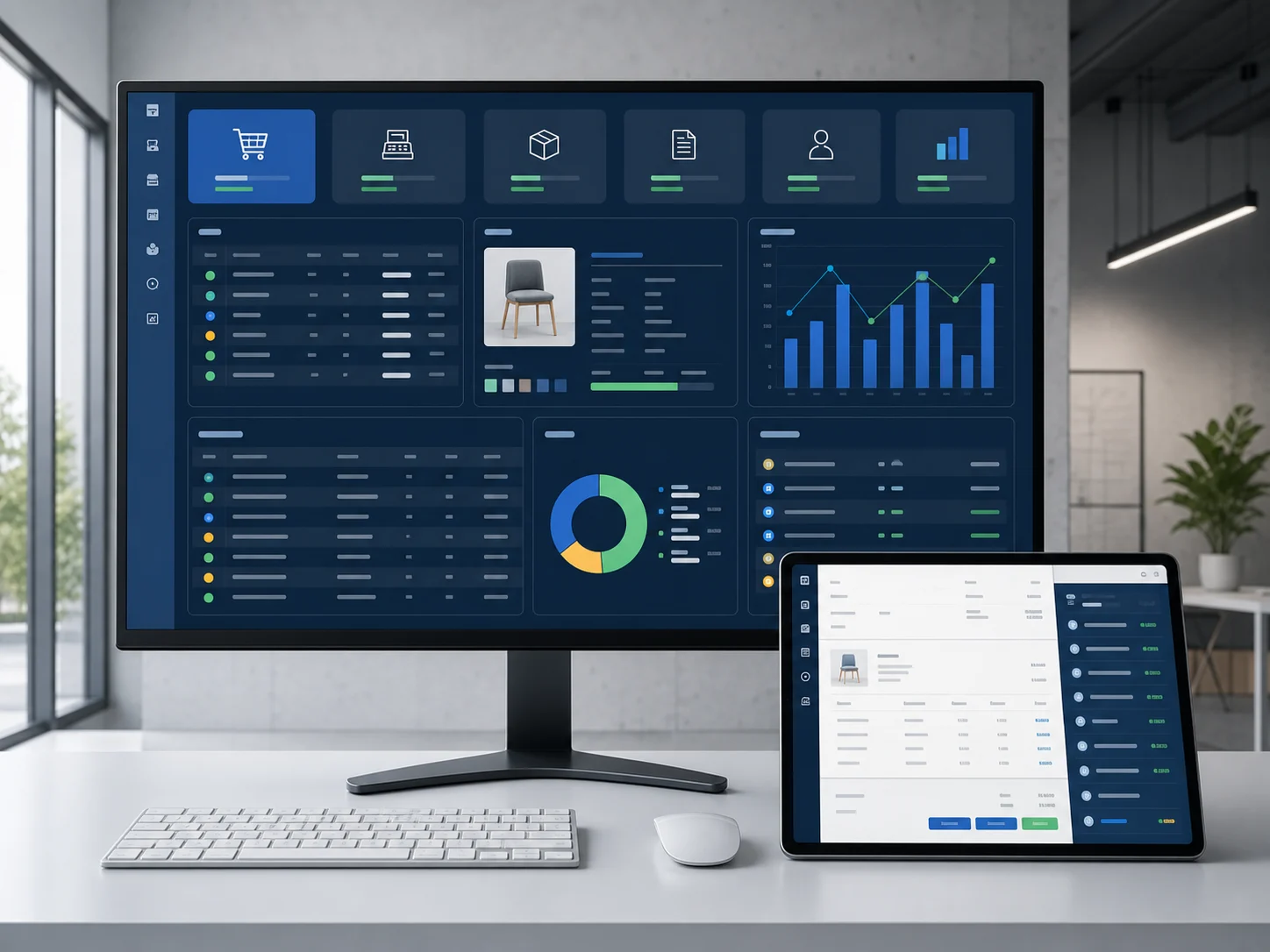 Opero Restaurant
Opero Restaurant is the restaurant configuration inside the wider Opero business operating system. It is for owners who want restaurant workflows plus ERP depth and deployment choice.
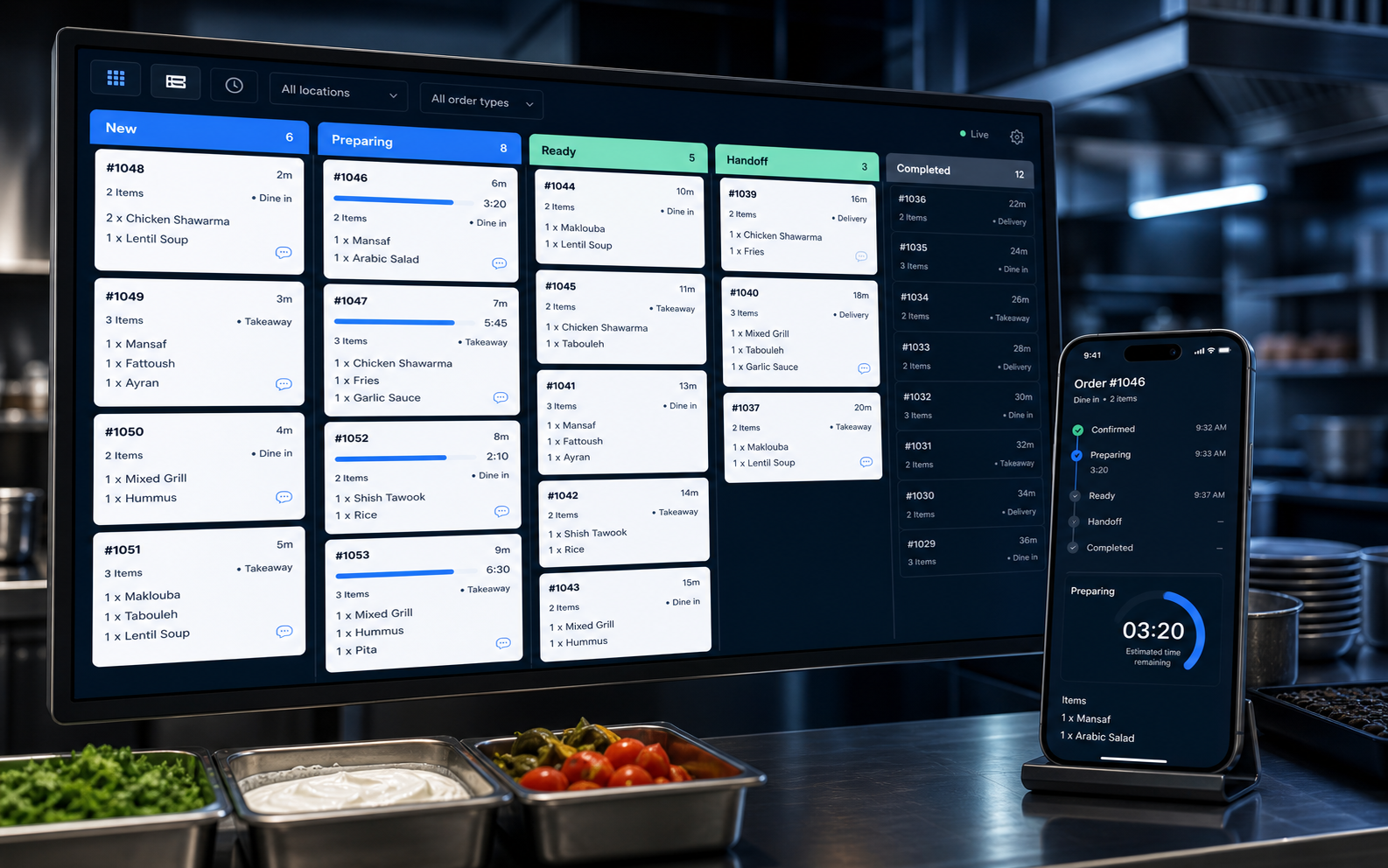 New
Preparing
Ready
New
Preparing
Ready
See what is new, what is being prepared, and what is ready. That is the difference between a feature list and a system your team can use during the real rush.
Explore RestIQ operationsStart with the operating priority you need, then review the details that affect the decision.
| Main scope areas | RestIQ | Opero Restaurant |
|---|---|---|
| Primary focus | Restaurant-first operating platform | ERP-first restaurant package inside a multi-industry platform |
| QR and digital ordering | Core product path | Do not claim unless separately verified and added |
| POS and order types | Restaurant-specific POS with dine-in, takeaway, delivery, channels, modifiers, and payments | Restaurant POS with dine-in, takeaway, delivery, pickup, tables, modifiers, split bills, and payments |
| Kitchen operations | Deep KDS/KOT, stations, status, LAN kitchen, printer routing, and diagnostics | KDS, kitchen tickets/printing, prep stations, routing, and scheduled orders where configured |
| Offline and local continuity | Restaurant-focused local, LAN, sync, queue, backup, and recovery paths; verify exact release scope | Local-only, LAN, hybrid, offline-first branch, and private-server deployment models where configured |
| Cashier, shift, and day control | Detailed registers, cash movements, approvals, X/Z, variance, explicit business-day lifecycle, diagnostics, and repair | Shift open/close, payments, vouchers, approvals, audit, reports, and accounting controls |
| Inventory and purchasing | Restaurant inventory, suppliers, POs, partial receiving, waste, recipes, and profitability foundations | General ERP inventory, suppliers, POs, receiving, recipes, units, waste, warehouses/branches, and accounting connection |
| Accounting orientation | Restaurant operations connected to accounting-oriented backend modules; production posting requires reconciliation verification | General ledger, chart of accounts, journals, vouchers, P&L, balance sheet, fiscal periods, and reconciliation where configured |
| Best expansion path | Restaurant groups that want deeper restaurant operations and local accountability | Owners that may expand into multiple industries, broader ERP modules, or mixed business models |
| Recommended buying path | Restaurant-specific demo; trial or checkout only when verified commercial setup is enabled | Discovery and configured demo followed by an exact package quote |
Answer a few operational questions. The result is a transparent rule-based recommendation, not an AI claim.
Tell us how your restaurant operates and we will clarify the right system and implementation path.